
deploiement:glpi:installwindows
Installation de GLPI Agent sous Windows
- Télécharger GLPI Agent 1.4 (ou plus récent)
https://github.com/glpi-project/glpi-agent/releases - Dans l’installeur de GLPI, choisir “Custom”
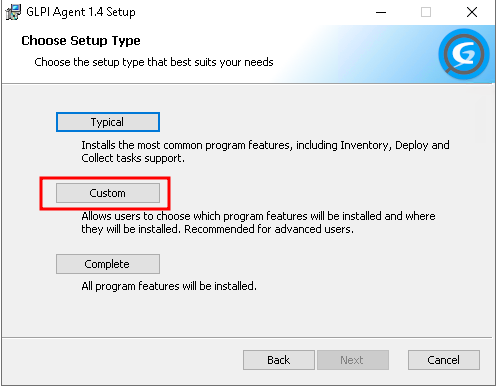
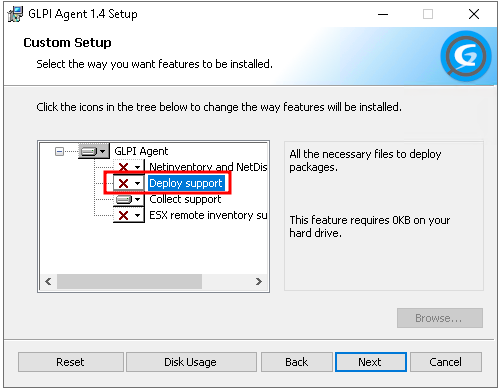
- Décocher « Deploy » et faire « Next »
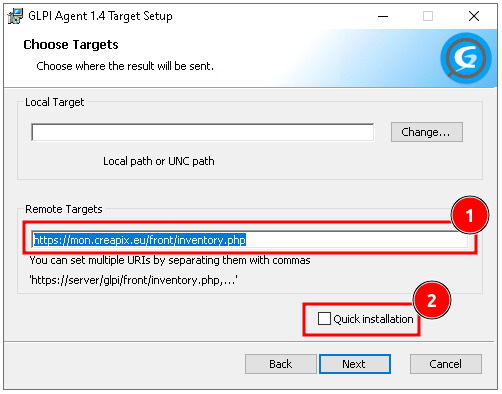
- Entrer le nom du serveur complet: « https://glpi.creapix.eu/front/inventory.php » et décocher « Quick Installation »
- Cocher « Disable SSL check » et faire « Next »
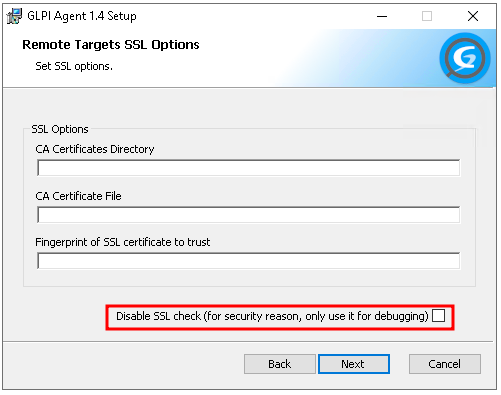
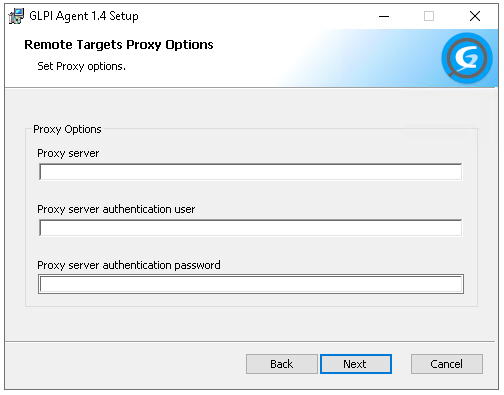
- Faire « Next »
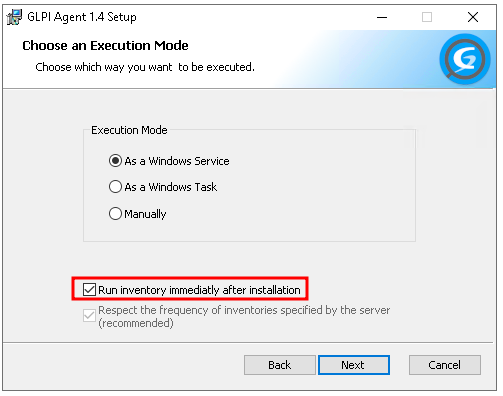
- Cocher « Run inventory immediately after installation »
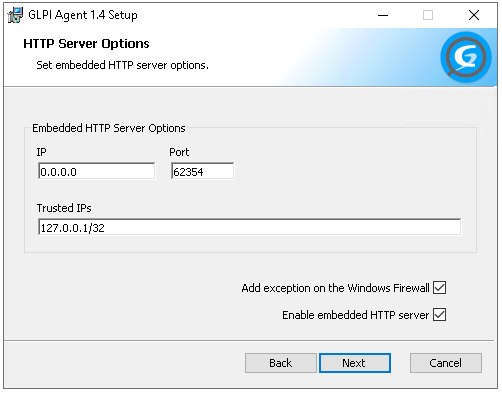
- Faire « Next »
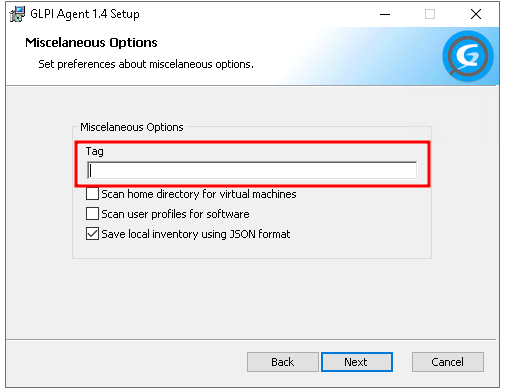
- Dans « TAG » indiquer le nom du client en majuscule et sans espaces (ex : ATJV, PAINANTAN, IGEP, …)
- Faire « Next », « Next » et installer le paquet


deploiement/glpi/installwindows.txt · Dernière modification : de root